> ## Documentation Index
> Fetch the complete documentation index at: https://docs.beam.ai/llms.txt
> Use this file to discover all available pages before exploring further.
# Workspace Views
> Create and search workspace views for an agent's node input and output data tables.
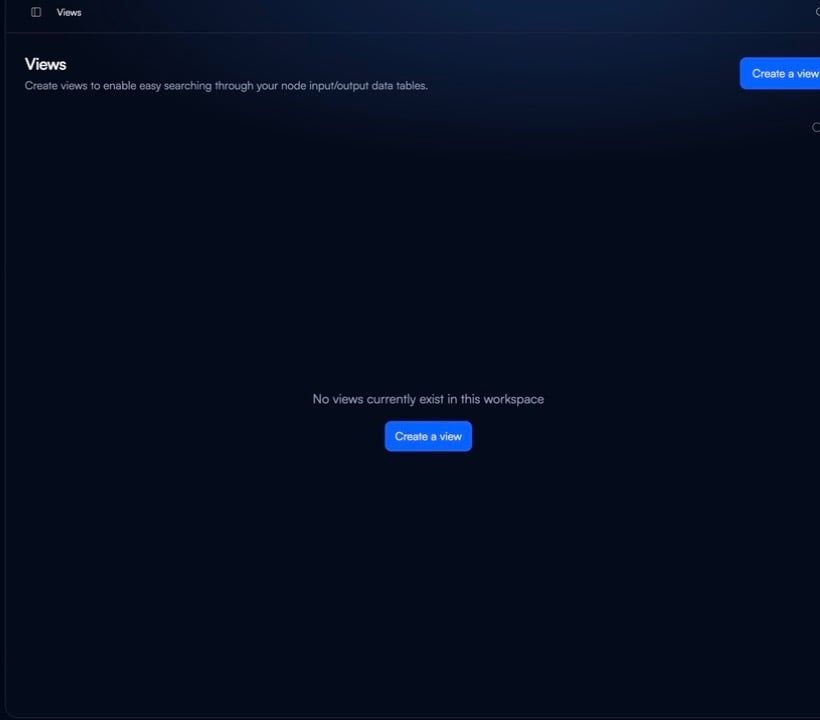
Views are workspace-level pages for searching an agent's node input and output data tables. Open **Views** from the workspace navigation to create and manage the views available in your workspace.
Browse views
The Views page lists the views in your workspace. Use **Search** or the **Search by name & description** field to find a view.
When your workspace has no views, select **Create a view** from the empty state or the page header.
Create a view
1. Open **Views** from the workspace navigation.
2. Select **Create a view**.
3. Enter a **Name**.
4. Select an **Agent**.
5. Add a **Description** and select **Submit**.
See also
Navigate the workspace and its shared modules.
Browse reusable capabilities available in your workspace.